Hinweis
This feature is in Öffentliche Vorschau and subject to change.
Prerequisites
- GitHub Code Quality is enabled on the repository.
- Code coverage data is uploaded to GitHub for the pull request branch. See Einrichten der Codeabdeckung für Ihr Repository.
Creating a coverage threshold rule
-
Navigieren Sie auf GitHub zur Hauptseite des Repositorys.
-
Klicke unter dem Repositorynamen auf Settings. Wenn die Registerkarte „Einstellungen“ nicht angezeigt wird, wähle im Dropdownmenü die Option Einstellungen aus.

-
Klicke auf der linken Randleiste unter „Code und Automatisierung“ auf Regeln und dann auf Regelsätze.
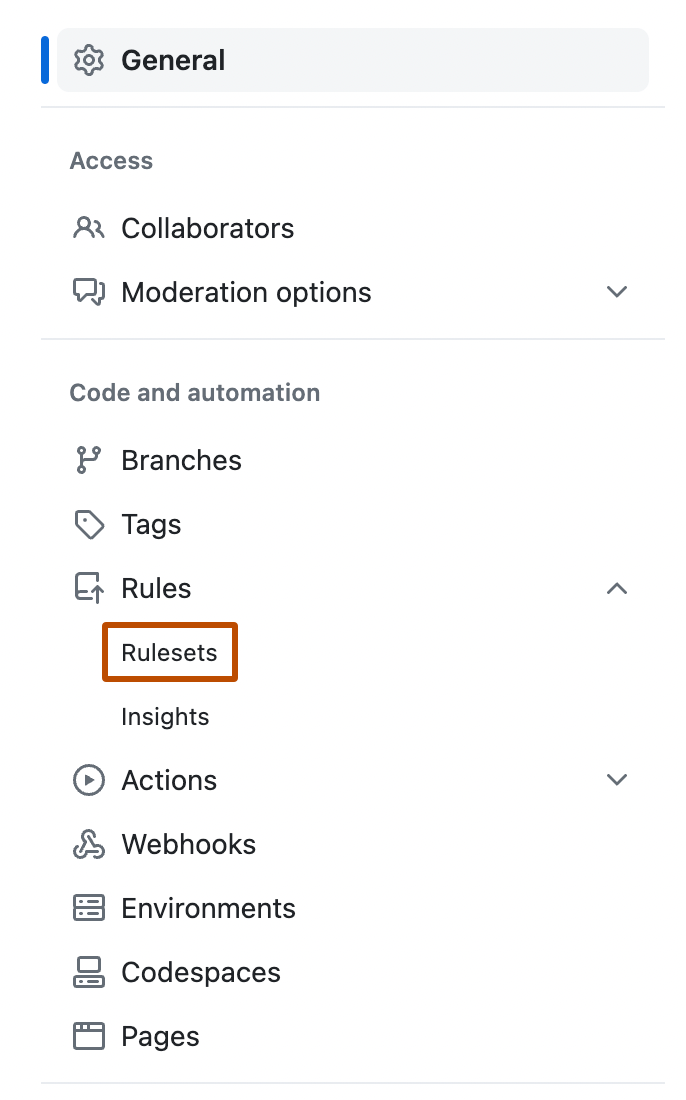
-
Create a new branch ruleset or click an existing one to edit it.
-
Under "Branch rules", select Restrict code coverage.
-
Expand Additional settings to configure thresholds. A value of 0 means that the threshold is disabled.
- Minimum coverage percentage: enter a value to block pull requests where aggregated coverage falls below this percentage.
- Maximum coverage drop: enter a value to block pull requests where coverage drops by more than this many percentage points relative to the default branch.
-
Click Create or Save changes.


Tipp
Consider setting your ruleset to Evaluate mode before switching to Active. This lets you observe which pull requests would have been blocked without enforcing the rule, giving you a chance to calibrate your thresholds.